Looking to dominate BedWars, SkyWars, and 1v1 PvP duels with superior visibility and optimized performance? DEVILZ PVP PACK Resource Pack for Minecraft 26.2 and 1.20.1 is a top-tier competitive texture pack engineered specifically for high-octane PvP gameplay.
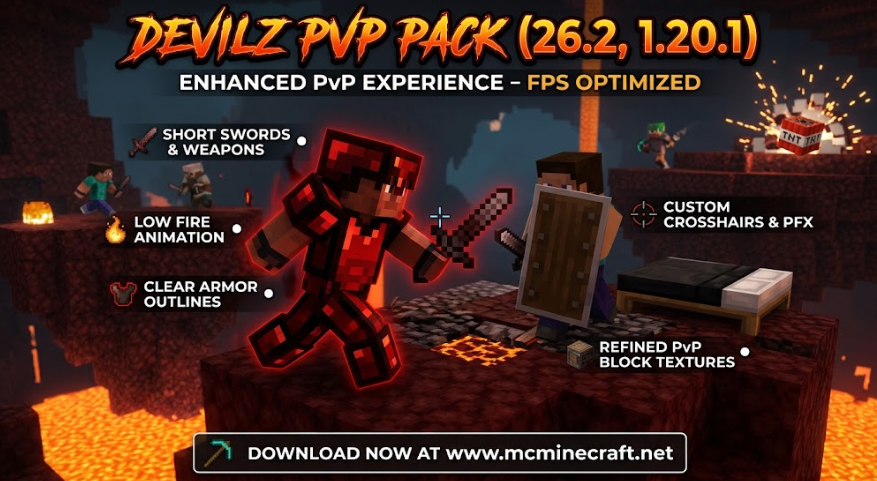
Featuring short swords, low fire animations, vibrant outline ores, clear UI elements, and a distraction-free aesthetic, DEVILZ PVP PACK (26.2 / 1.20.1) gives you the competitive edge needed to track opponents, time hits accurately, and maintain maximum frame rates during intense server battles.
Key Features of DEVILZ PVP PACK (26.2, 1.20.1)
1. Optimized Combat Visibility & Performance
-
Low Fire & Clean Particles: Removes blinding particle clutter and lowers fire height so your screen stays clear when burning in combat.
-
Short & Sleek Weapons: Custom-designed short swords and compact tools provide a wider field of view during rapid clicking and tracking.
2. High-Contrast PVP Elements & Armor
-
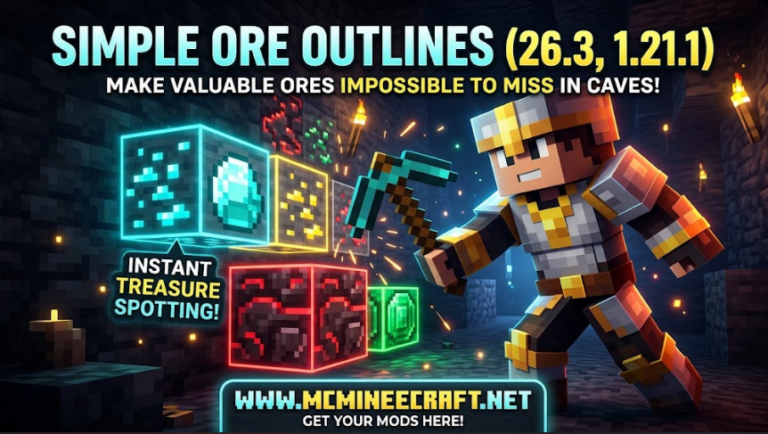
Highlighted Ores & Armor Outlines: Clear armor textures and vibrant ore borders make spotting enemies and resources effortless.
-
Custom Crosshairs & UI: Sleek, minimalist crosshairs and refined inventory screens designed for competitive reaction times.
3. High FPS & Server Friendly
-
Lightweight Textures: Optimized 16x resolution ensures butter-smooth FPS on both low-end PCs and high-end gaming rigs across busy multiplayer networks.
How to Install DEVILZ PVP PACK (26.2 / 1.20.1)
-
Download the Pack: Download the latest
DEVILZ_PVP_PACK.zipresource pack file for version 26.2 or 1.20.1. (Do not unzip) -
Open Resource Packs Folder: Launch Minecraft, navigate to Options > Resource Packs > Open Pack Folder.
-
Move & Activate: Drag the
.zipfile into the folder, move DEVILZ PVP PACK to your active packs list, and hit Done!
Why Choose DEVILZ PVP PACK?
If you are serious about climbing competitive leaderboards and want a crisp, stylish, and performance-boosted visual setup, DEVILZ PVP PACK Resource Pack is an essential download for any modern Minecraft fighter.