Cinematic Interactions Mod (26.3, 1.20.1)
Cinematic Interactions Mod turns standard Minecraft workstations into animated first-person scenes. Your character hands place items onto crafting surfaces, strike anvils with hammers, and flip book pages on lecterns. Camera angles zoom in close while using your personal player skin on your arms. Other players can also watch the items you set down on tables in the shared world.
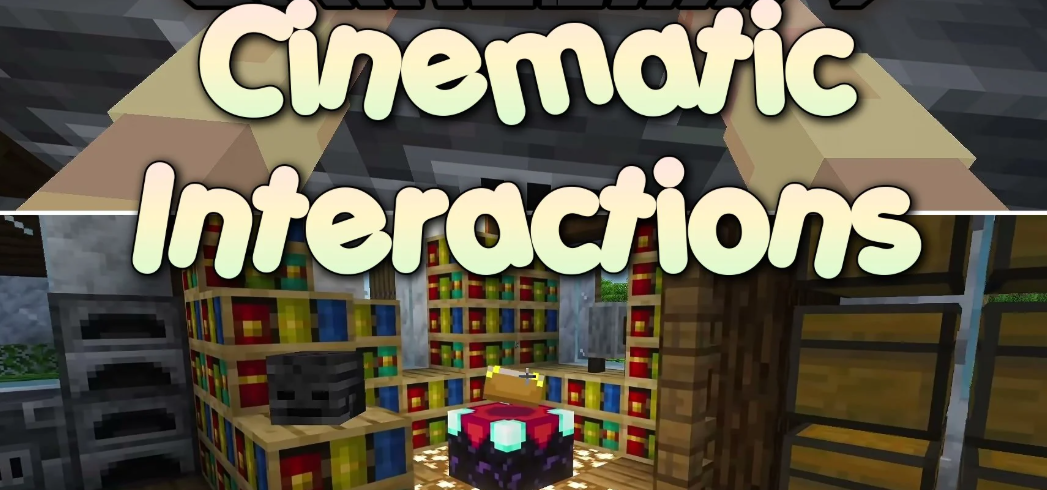
Features:
- In-World Crafting: Places items directly onto the top of the crafting table with a visible 3×3 layout.
- Custom Station Animations: Gives custom animations to anvils, enchanting tables, brewing stands, looms, and blast furnaces.
- Smooth Workshop Movement: Lets you click neighboring workbenches to slide right over to them without closing the view.
- Third-Person Peek: Lets you check your character working at a station by holding the Left Alt key.
- Leaves placed materials resting on crafting tables even after you walk away.
- Displays a helpful recipe guide that points out missing items in your pockets.
- Includes a campfire sitting mode so you can rest next to the fire.
- Offers toggles for camera lean, screen shake, visual bars, and motion speed.
How to Use:
- Right-click any compatible workstation block to open the work scene.
- Use Left-click and Right-click to arrange your materials or run the station.
- Press H while looking at a campfire to sit down beside the flames.
- Hold Left Alt to inspect your character working from a third-person camera angle.
- Press Esc, E, your movement keys, or the jump button to leave the bench.
- Hold Sneak and Right-click with an empty hand if you want to open the standard game screen instead.