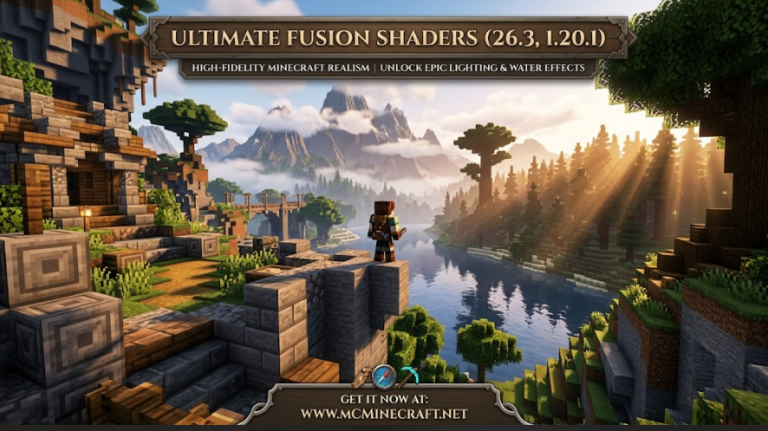
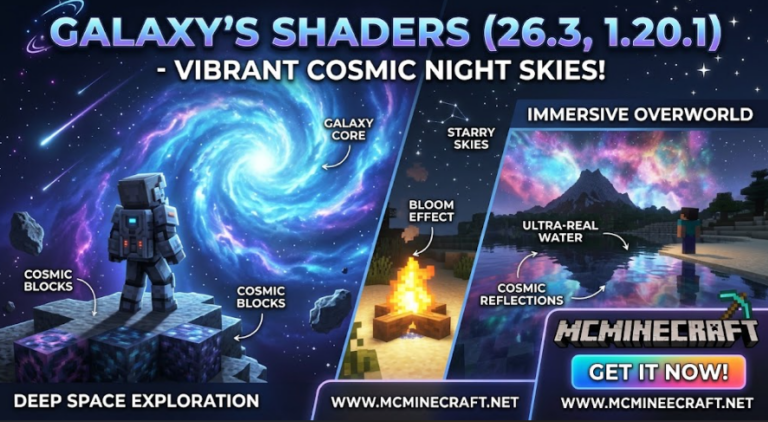
Looking to give your Minecraft world a vibrant, cozy, and soft visual upgrade without dropping your frame rates? Pweety Shaders for Minecraft 26.3 and 1.20.1 is a warm, aesthetically pleasing shader pack engineered specifically to enhance colors, lighting, and reflections while keeping performance incredibly smooth.
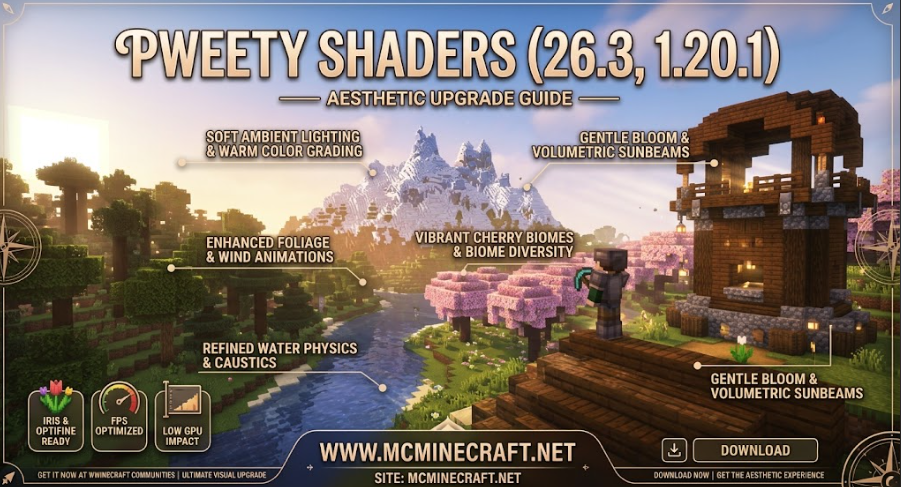
Whether you are designing pastel-style builds, capturing aesthetic screenshots, or playing on survival SMP servers, Pweety Shaders (26.3 / 1.20.1) delivers soft ambient lighting, gentle bloom, warm sunlight, and subtle fog effects ideal for both casual and high-end gaming setups.
Key Features of Pweety Shaders (26.3, 1.20.1)
1. Warm & Aesthetic Color Grading
-
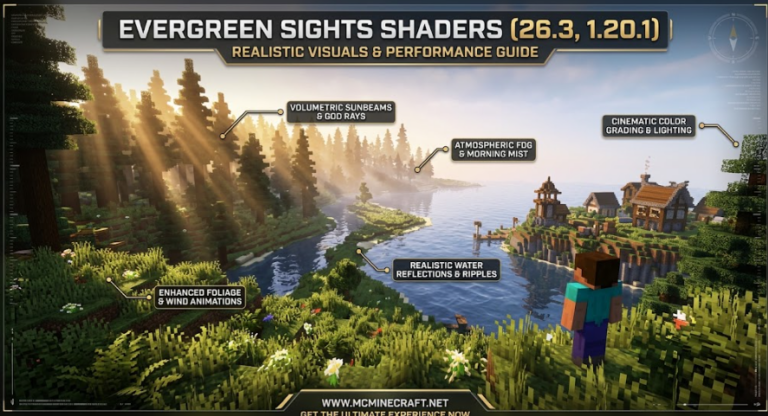
Soft Ambient Lighting: Enhances daylight and torchlight with warm, comforting color tones designed to reduce eye strain.
-
Gentle Bloom & Sunlight Rays: Soft volumetric lighting that creates a dreamy, cinematic atmosphere across all biomes.
2. Crisp Water & Dynamic Foliage
-
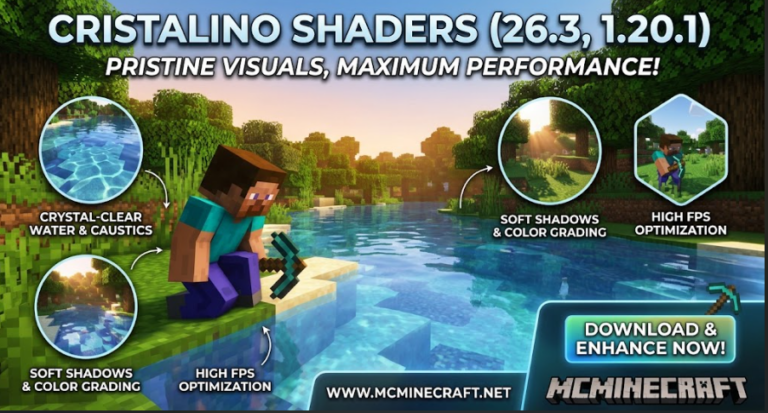
Refined Water Reflections: Clean, semi-transparent water surfaces with subtle waves and crystal-clear underwater visibility.
-
Subtle Wind Animations: Soft movement for leaves, tall grass, and flowers to bring your surroundings to life naturally.
3. FPS-Friendly & Lightweight
-
Optimized Performance: Designed with efficient shader code, ensuring high frame rates even on budget PCs and laptops.
-
Iris & OptiFine Support: Fully compatible with both Iris Shaders and OptiFine on Minecraft 26.3 and 1.20.1.
How to Install Pweety Shaders (26.3 / 1.20.1)
-
Install Shader Loader: Ensure you have Iris Shaders (recommended) or OptiFine installed for Minecraft 26.3 or 1.20.1.
-
Download the Pack: Download the official
Pweety_Shaders.zipfile. (Keep it as a .zip file) -
Open Shader Packs Directory: Launch Minecraft, navigate to Options > Video Settings > Shader Packs > Open Shader Pack Folder.
-
Activate Shader: Drag and drop the
.zipfile into the folder, select Pweety Shaders in-game, click Apply, and enjoy your new look!
Why Choose Pweety Shaders?
If you want a lightweight, cozy visual enhancement that makes your Minecraft worlds look vibrant and aesthetic without lag, Pweety Shaders is the perfect choice for your daily gameplay setup.