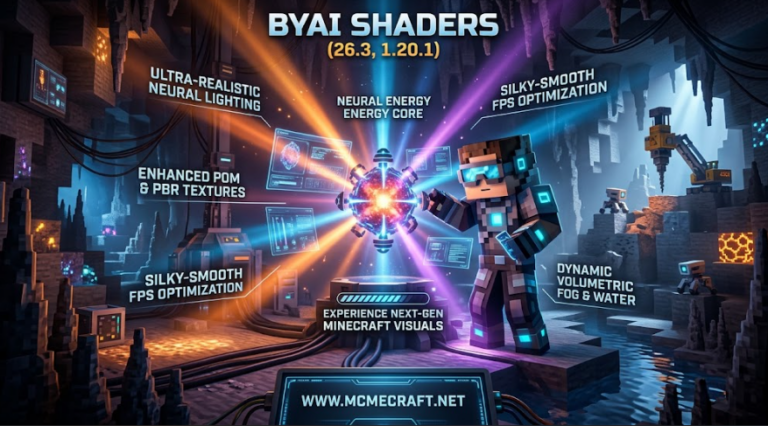
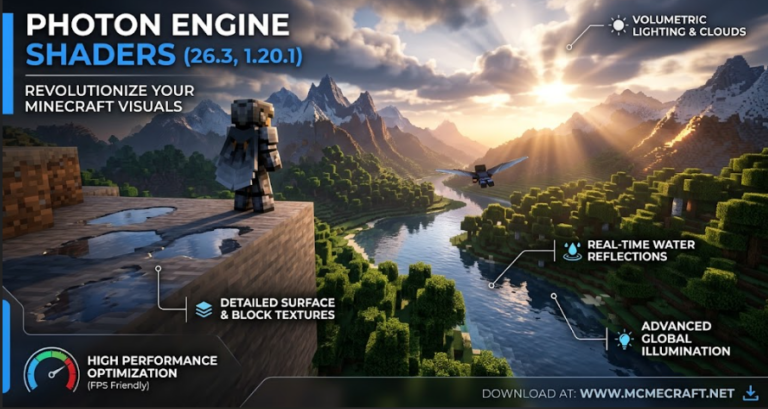
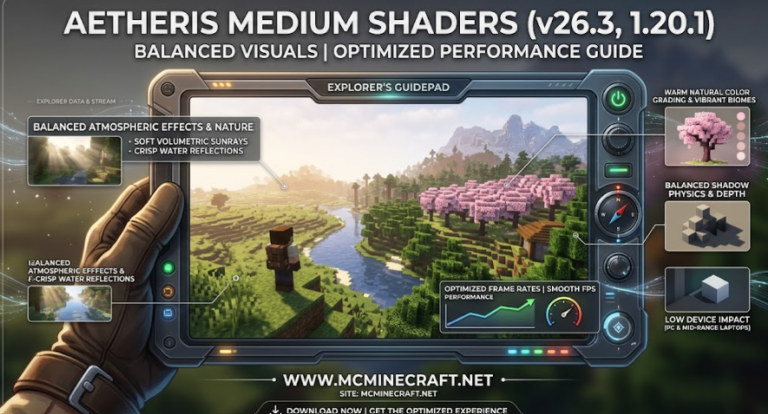
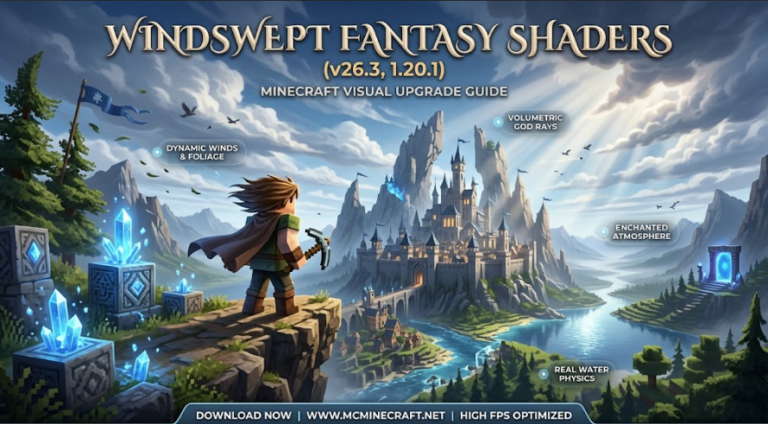
Looking to transform your Minecraft worlds with jaw-dropping cosmic night skies, glowing nebulae, and vibrant atmospheric lighting? Galaxy’S Shaders for Minecraft 26.3 and 1.20.1 is an extraordinary shader pack designed to bring deep-space visual effects, shimmering stars, and realistic water physics directly into your game.
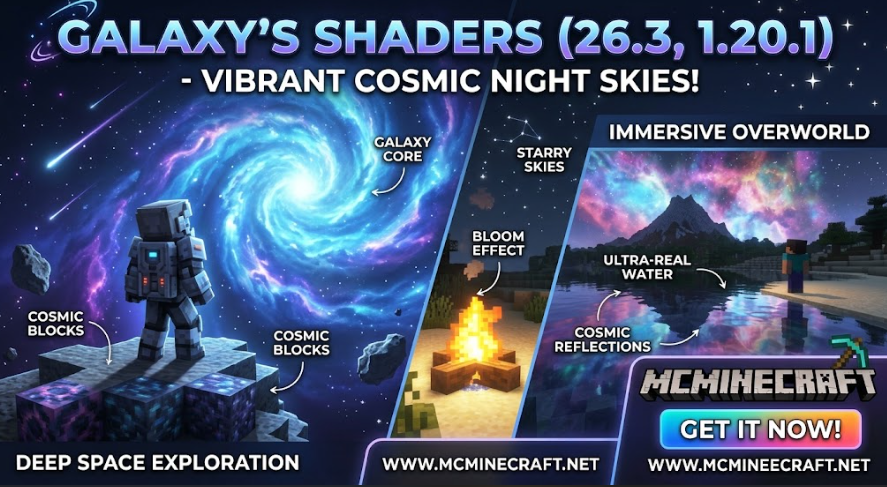
Optimized for Iris, Sodium, and OptiFine, Galaxy’S Shaders (26.3 / 1.20.1) turns every survival night and space exploration adventure into a stunning cinematic experience without overloading your PC hardware.
Key Features of Galaxy’S Shaders (26.3, 1.20.1)
1. Breathtaking Cosmic Night Skies & Nebulae
-
High-Definition Galaxy Skyboxes: Experience detailed Milky Way bands, glowing colorful nebulae, and realistic constellations during nighttime.
-
Dynamic Shooting Stars & Meteors: Watch random shooting stars and meteor showers illuminate the night sky across all surface biomes.
-
Atmospheric Eclipse & Moon Phases: Features realistic lunar light absorption, crescent moon reflections, and solar eclipse events.
2. Vibrant Lighting & Realistic Water Physics
-
Cinematic Bloom & Godrays: Radiant golden sunlight during day cycles and soft celestial glow during nights.
-
Ultra-Clear Water Reflections: Real-time wave motion, specular highlights, and natural caustics along rivers and oceans.
-
Dynamic Handheld Lighting: Emits realistic light around your character when holding torches, lanterns, or glowing items.
3. FPS-Optimized Performance Profiles
-
Low to Ultra Presets: Tailored performance profiles designed for smooth frame rates on both budget systems and high-end gaming rigs.
-
Custom In-Game Toggles: Easily adjust galaxy brightness, fog density, bloom intensity, and water clarity in the shader settings.
How to Install Galaxy’S Shaders (26.3 / 1.20.1)
-
Install Shader Mod: Make sure you have Iris + Sodium or OptiFine installed for version 26.3 or 1.20.1.
-
Download Galaxy’S Shaders: Grab the latest
.zipshaderpack file. (Do not unzip) -
Move to Shaderpacks Folder: Drop the downloaded file into your
.minecraft/shaderpacksdirectory. -
Enable & Enjoy: Go to Options > Video Settings > Shader Packs, select Galaxy’S Shaders, and enjoy your brand-new cosmic skies!
Why Choose Galaxy’S Shaders for Minecraft?
If you are looking for a unique visual upgrade that focuses on magical night atmospheres, stargazing, and vibrant biome lighting, Galaxy’S Shaders is one of the best choices available. It combines high FPS performance with unforgettable sci-fi visuals.
Download Galaxy’S Shaders (26.3, 1.20.1) today on www.mcminecraft.net and explore the universe from your Minecraft world!