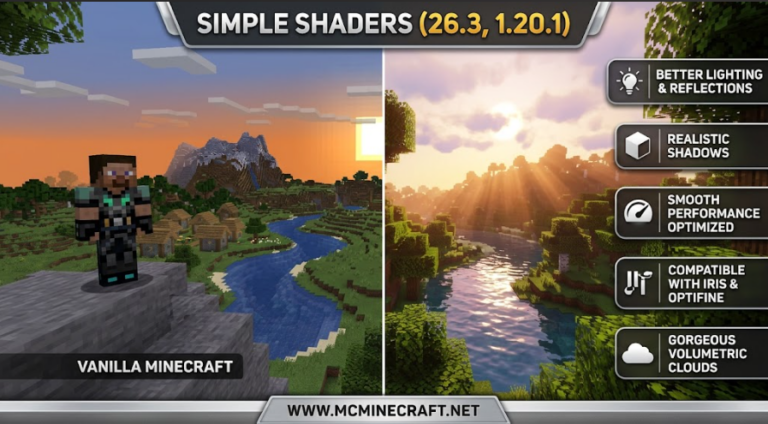
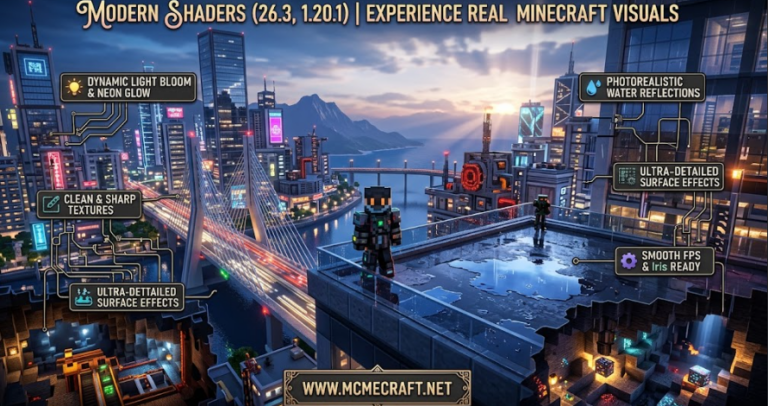
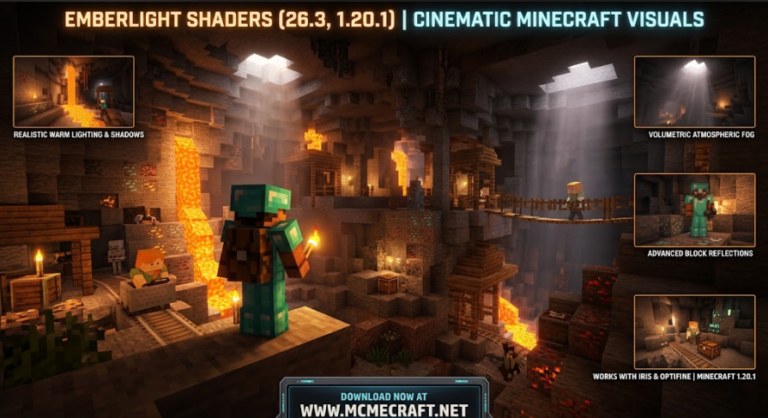
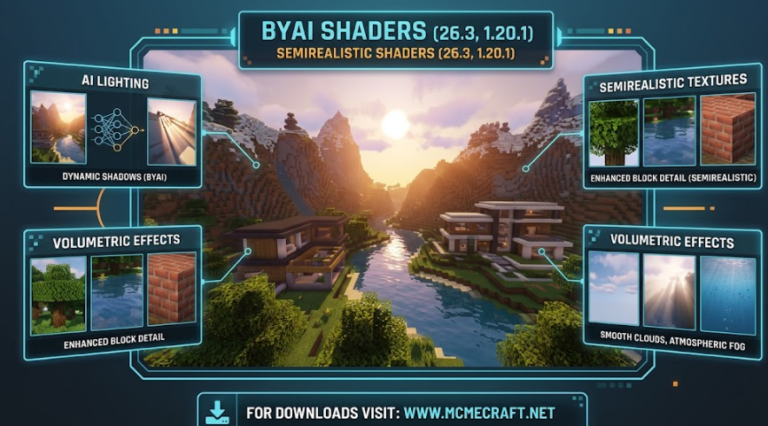
Looking for a shader pack that delivers rich ambient lighting, realistic shadow physics, and vibrant environment textures without sacrificing your frame rates? Aetheris Medium Shaders for Minecraft 26.3 and 1.20.1 is engineered specifically for players who want a sweet-spot graphic overhaul optimized for mid-range PCs and laptops.
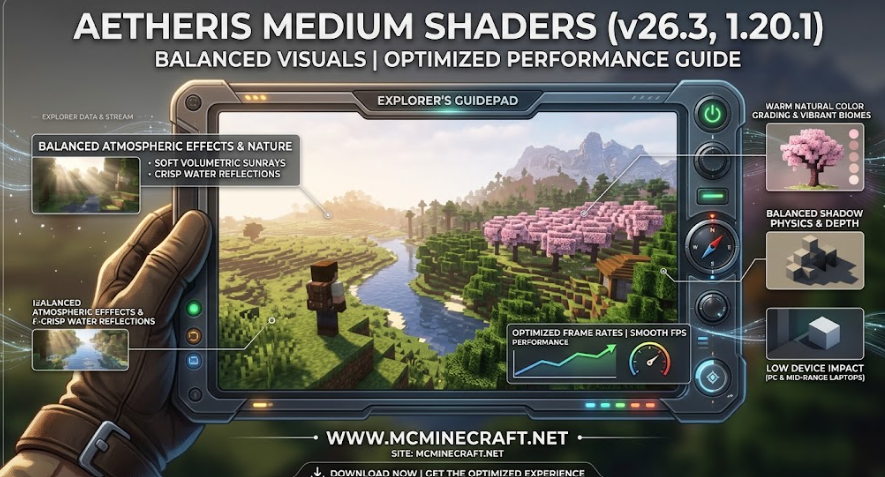
Whether you are building complex survival bases, exploring dense biomes, or playing on multiplayer SMP servers, Aetheris Medium Shaders (26.3 / 1.20.1) brings soft volumetric sunbeams, crisp water reflections, dynamic foliage animations, and enhanced color grading straight to your world.
Key Features of Aetheris Medium Shaders (26.3, 1.20.1)
1. Balanced Dynamic Lighting & Atmospheric Effects
-
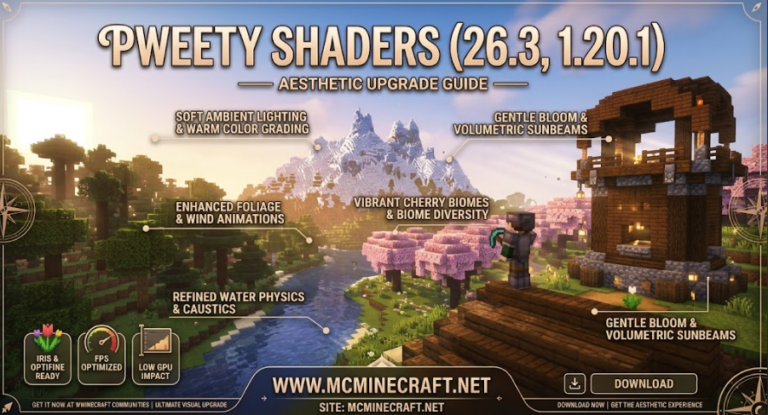
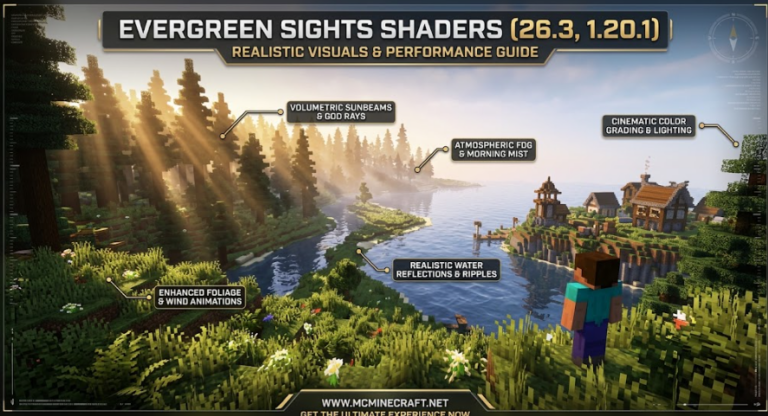
Soft Volumetric Rays: Soft light rays piercing through tree canopies during sunrise and sunset without heavy GPU load.
-
Warm Natural Color Grading: Fine-tuned saturation curves designed to give grass, leaves, and skyboxes a cozy, vibrant look.
2. Crisp Water & Dynamic Foliage Animations
-
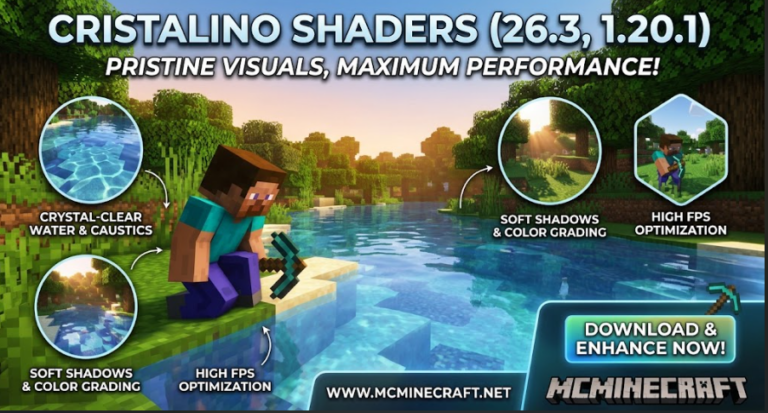
Refined Water Surface Waves: Clear water physics featuring subtle waves, moonlit night reflections, and underwater clarity.
-
Breezy Foliage Sway: Smooth wind animations applied to tree leaves, grass, crops, and water plants for an alive, immersive world.
3. FPS-Optimized Performance
-
Mid-Tier Hardware Friendly: Specially tuned shaders engineered to offer high visual fidelity while preserving smooth, lag-free gameplay.
-
Iris & OptiFine Ready: Fully compatible with both Iris Shaders and OptiFine on Minecraft 26.3 and 1.20.1.
How to Install Aetheris Medium Shaders (26.3 / 1.20.1)
-
Install Shader Loader: Download and install Iris Shaders (recommended) or OptiFine for Minecraft 26.3 or 1.20.1.
-
Download the Shader File: Grab the official
Aetheris_Medium_Shaders.zipfile. (Do not unzip) -
Open Shader Packs Directory: Launch Minecraft, navigate to Options > Video Settings > Shader Packs > Open Shader Pack Folder.
-
Activate & Play: Drag the
.zipfile into the folder, select Aetheris Medium Shaders, click Apply, and enjoy!
Why Choose Aetheris Medium Shaders?
If you want the perfect blend of cinematic lighting, realistic nature effects, and silky-smooth FPS performance, Aetheris Medium Shaders (26.3, 1.20.1) is an essential graphic upgrade for your everyday Minecraft gameplay.