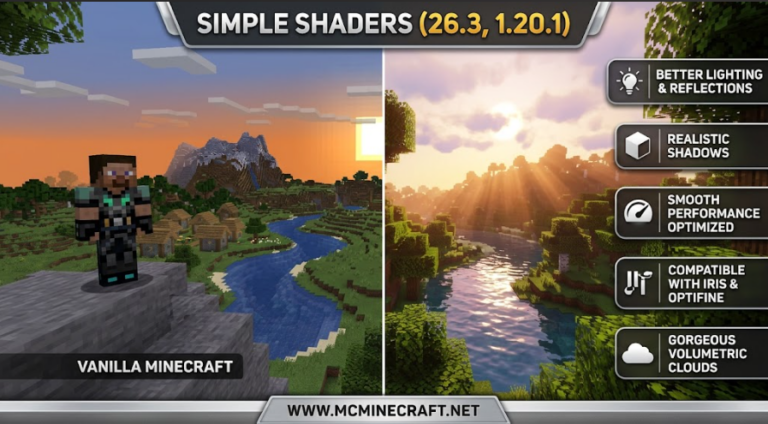
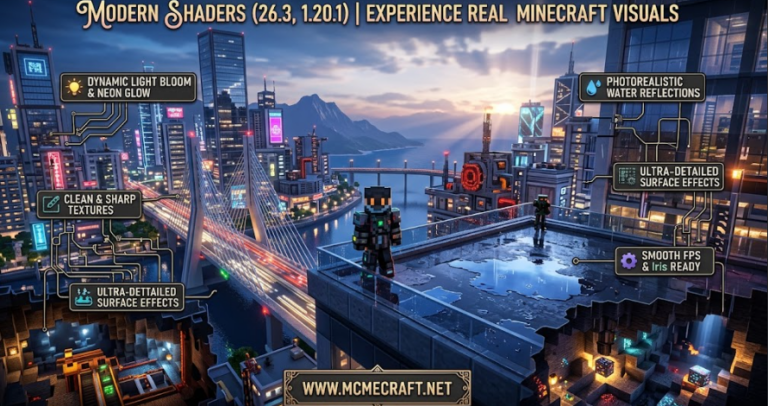
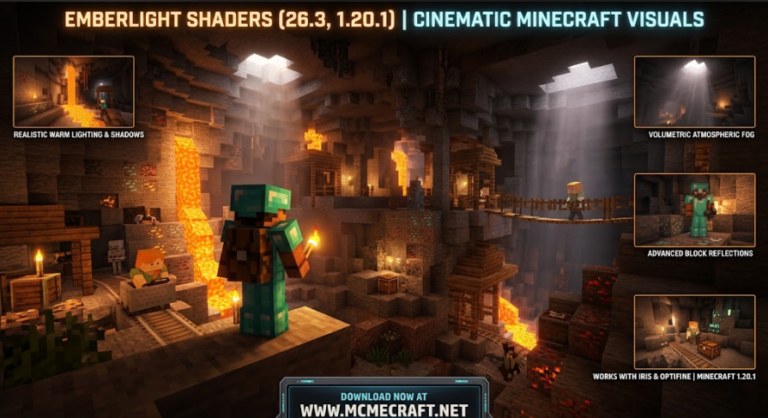
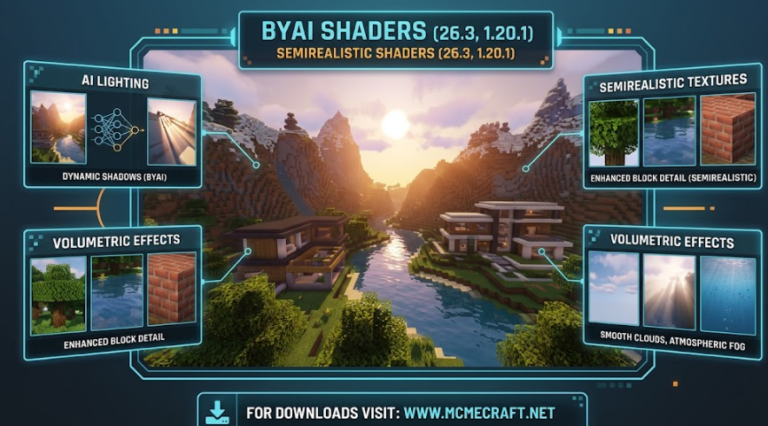
Looking to achieve the ultimate balance between ultra-realistic graphics, cinematic lighting, and smooth FPS performance? Ultimate Fusion Shaders for Minecraft 26.3 and 1.20.1 is a top-tier shader pack designed to combine the best features of high-end path tracing aesthetics with lightweight performance optimization.
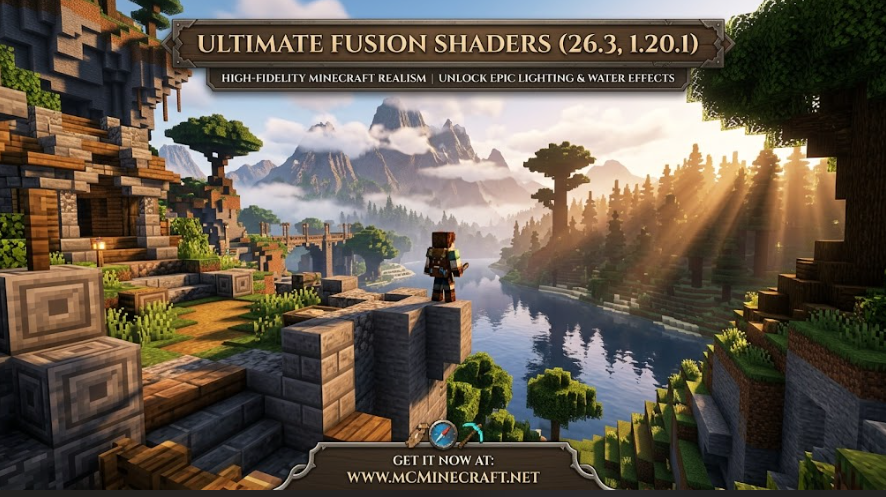
Whether you are building megastructures, exploring vast survival biomes, or capturing cinematic video clips, Ultimate Fusion Shaders (26.3 / 1.20.1) delivers sharp dynamic shadows, hyper-realistic reflections, volumetric clouds, and customizable color profiles tailored for all hardware setups.
Key Features of Ultimate Fusion Shaders (26.3, 1.20.1)
1. Advanced Dynamic Lighting & Ray-Traced Shadows
-
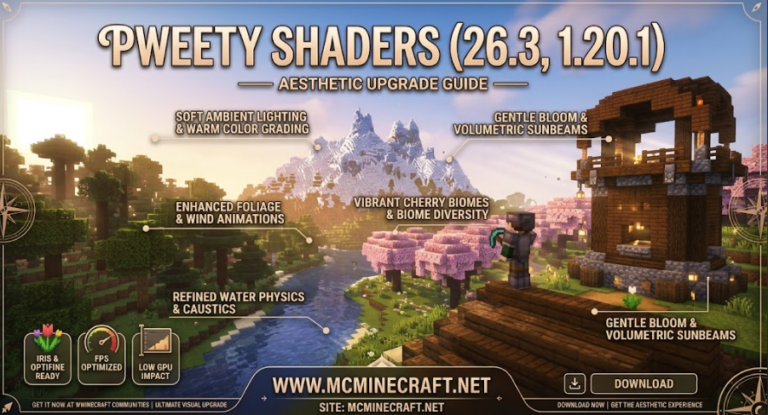
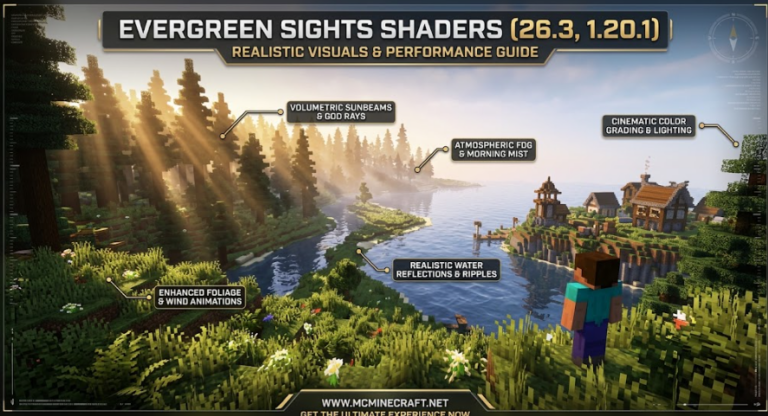
Volumetric Sunbeams & Atmospheric Fog: Experience realistic god rays piercing through dense forests and mountain peaks with natural morning mist.
-
Realistic Dynamic Shadows: Sharp, high-resolution shadows that adjust dynamically based on sun angle, block height, and ambient light sources.
2. Hyper-Realistic Water & Reflection Physics
-
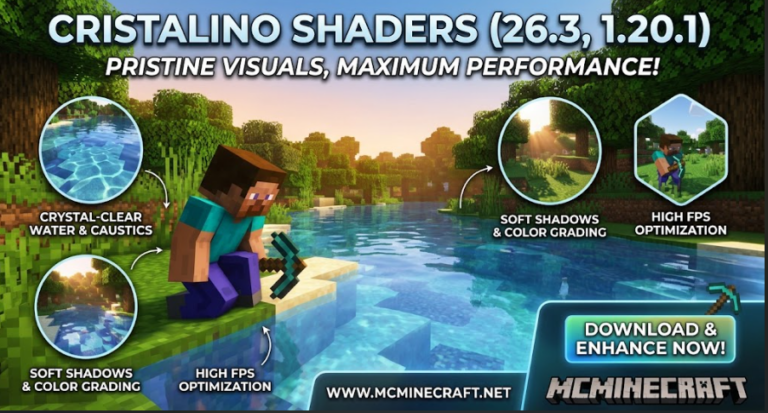
PBR & Screen-Space Reflections (SSR): Water surfaces react dynamically to light, featuring crystal-clear reflections, realistic wave physics, and underwater caustics.
-
Enhanced Foliage Animations: Wind-driven sway animations for leaves, tall grass, crops, and lily pads bring your world to life.
3. Ultimate FPS Performance & Customization
-
Pre-Configured Graphics Profiles: Easily switch between Low, Medium, High, Ultra, and Cinematic profiles within the video settings menu.
-
Iris & OptiFine Ready: Fully optimized for Iris Shaders and OptiFine on Minecraft 26.3 and 1.20.1 with minimal GPU strain.
How to Install Ultimate Fusion Shaders (26.3 / 1.20.1)
-
Install Shader Loader: Ensure you have Iris Shaders (recommended for best FPS) or OptiFine installed for Minecraft 26.3 or 1.20.1.
-
Download Shader File: Download the official
Ultimate_Fusion_Shaders.zippackage. (Do not extract) -
Open Shader Packs Directory: Launch Minecraft, navigate to Options > Video Settings > Shader Packs > Open Shader Pack Folder.
-
Activate & Play: Drag the
.zipfile into the folder, select Ultimate Fusion Shaders, click Apply, and enjoy ultimate visuals!
Why Choose Ultimate Fusion Shaders?
If you want a modern, feature-packed shader that fuses realistic environmental effects with ultra-optimized frame rates, Ultimate Fusion Shaders (26.3, 1.20.1) is the definitive graphic overhaul for your Minecraft client.