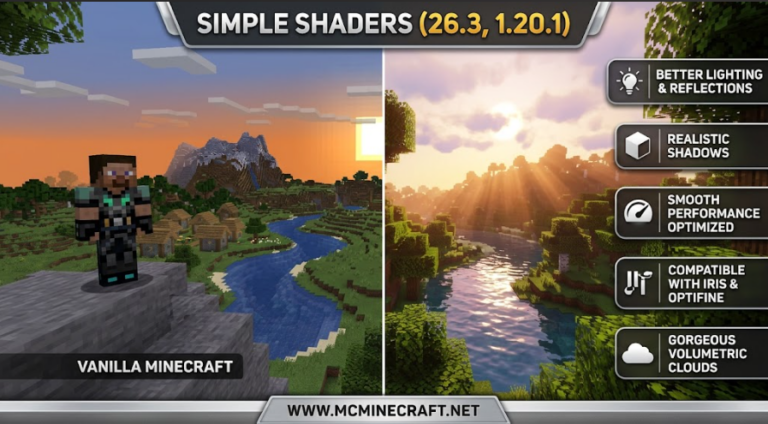
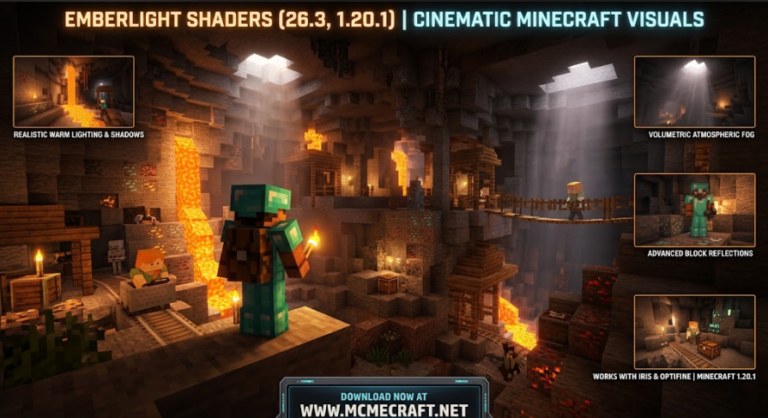
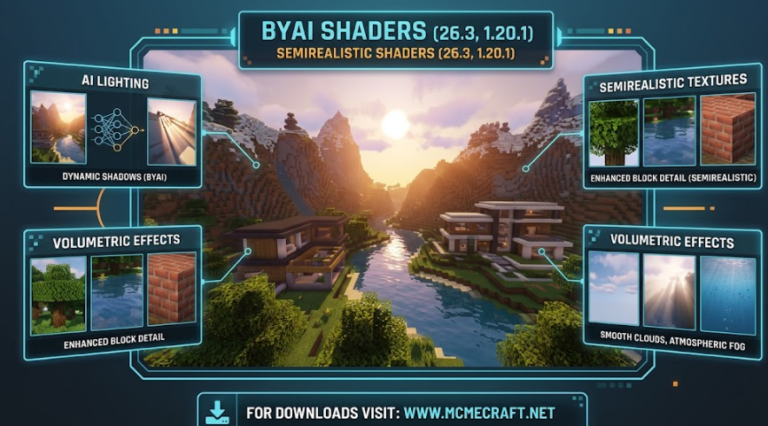
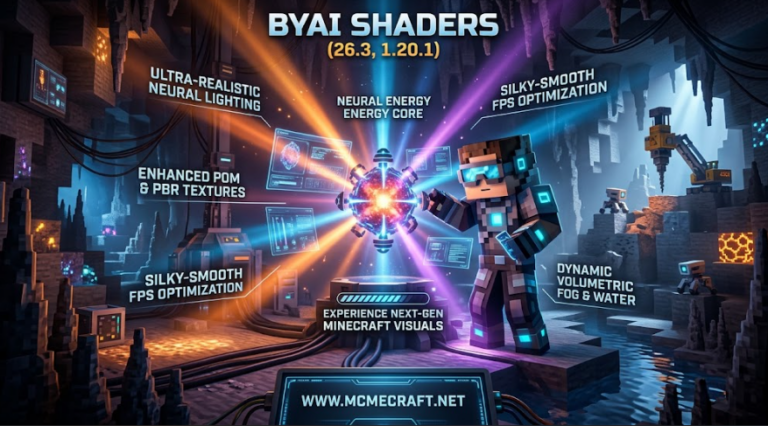
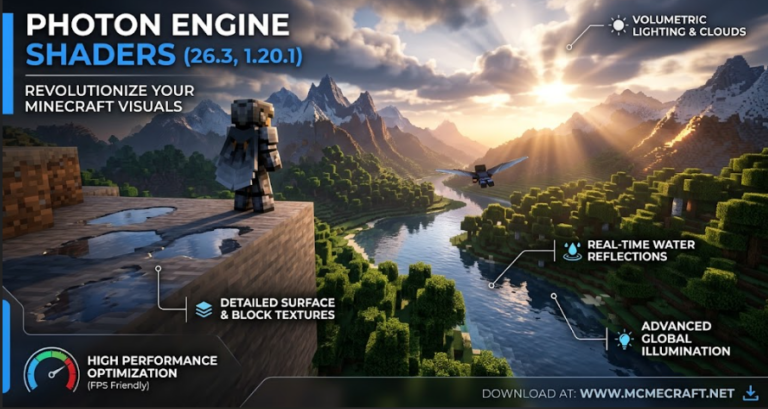
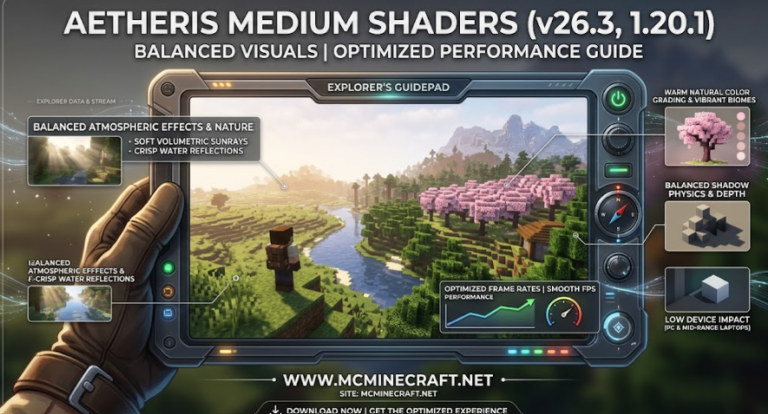
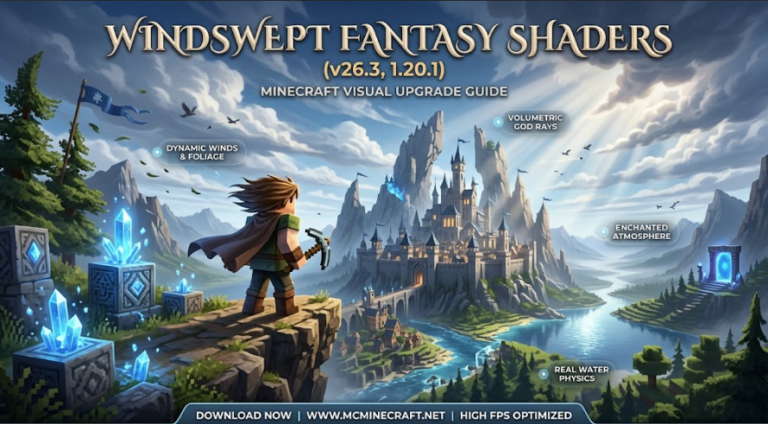
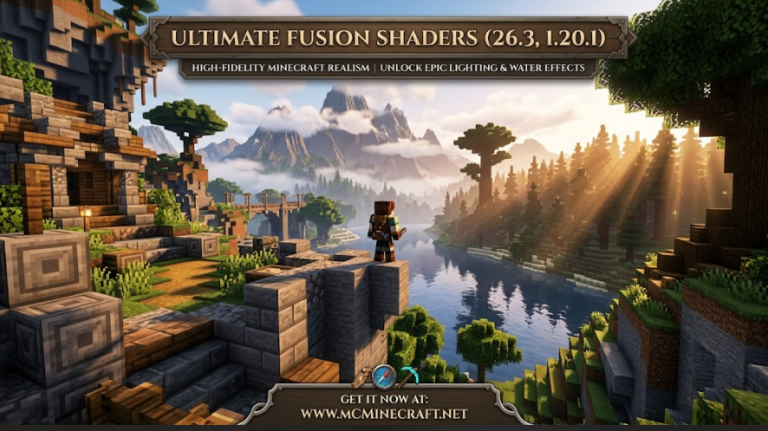
Looking to elevate your Minecraft builds with crisp realistic lighting, clean ambient occlusion, and ultra-sleek surface reflections without dropping your FPS? Modern Shaders for Minecraft 26.3 and 1.20.1 is a high-performance shader pack crafted specifically to make modern structures, city builds, and survival bases look stunningly sharp and realistic.
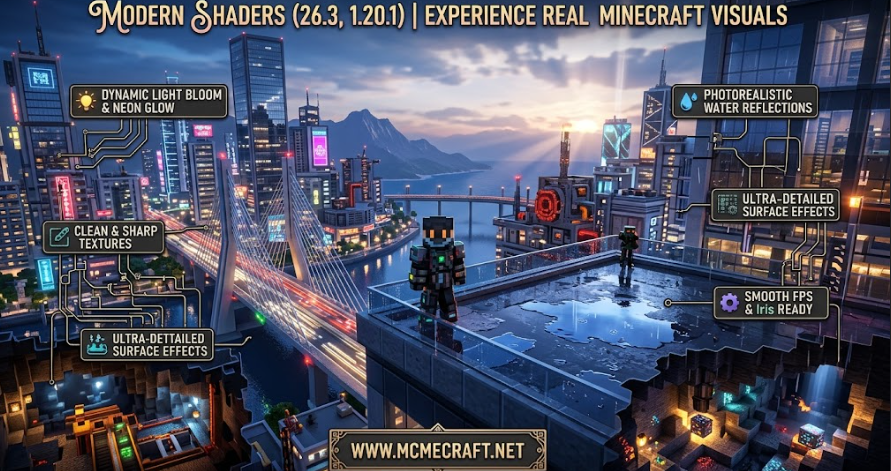
Whether you are building futuristic skyscrapers, cozy minimalist homes, or exploring atmospheric survival biomes, Modern Shaders (26.3 / 1.20.1) delivers sharp real-time shadows, crystal-clear glass and water reflections, vibrant natural color grading, and smooth volumetric fog effects.
Key Features of Modern Shaders (26.3, 1.20.1)
1. Crisp Architectural Lighting & Dynamic Shadows
-
Clean & Vibrant Tone Mapping: Designed to highlight fine building details, block textures, and interior lighting with natural daylight balance and soft torch light propagation.
-
Pixel-Perfect Contact Shadows: High-definition directional shadows that dynamically react to sun angles, giving realistic depth to modern structures and terrain.
2. High-Tech Glass & Water Reflections
-
Screen-Space Glass & Water Shading: Ultra-clear glass block transparency combined with realistic wave refractions and glossy surface reflections.
-
Atmospheric Sky & Fog Effects: Soft volumetric light rays and dynamic weather fogs that enhance overall world depth without cluttering your view.
3. FPS-Optimized Engine Architecture
-
Low GPU Resource Overhead: Written with streamlined render passes to ensure high, stable frame rates across budget GPUs, gaming laptops, and high-end setups.
-
Iris & OptiFine Ready: Native compatibility with both Iris Shaders and OptiFine for Minecraft 26.3 and 1.20.1.
How to Install Modern Shaders (26.3 / 1.20.1)
-
Install Shader Loader: Ensure you have Iris Shaders (recommended) or OptiFine installed for Minecraft 26.3 or 1.20.1.
-
Download the Shader Pack: Grab the official
Modern_Shaders_26.3.zipor1.20.1.zipfile. -
Move to Shaderpacks Directory: Place the downloaded
.zipfile into your.minecraft/shaderpacksfolder. -
Enable & Build: Launch Minecraft, open Video Settings > Shader Packs, enable Modern Shaders, and admire your realistic builds!
Why Download Modern Shaders for Minecraft?
If you want clean visual enhancements, photorealistic building reflections, and smooth FPS performance for your modern worlds, Modern Shaders (26.3, 1.20.1) is an essential shader pack for your setup.