Eden Shaders (v26.3, 1.20.1): Cinematic Lighting, Vibrant Biomes & FPS Boost Guide
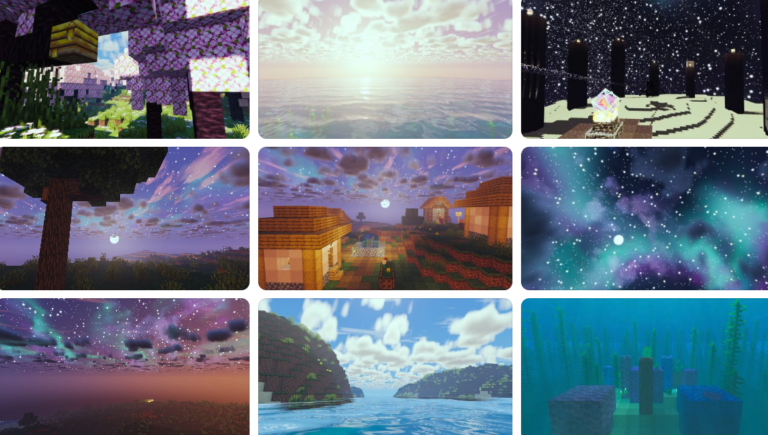
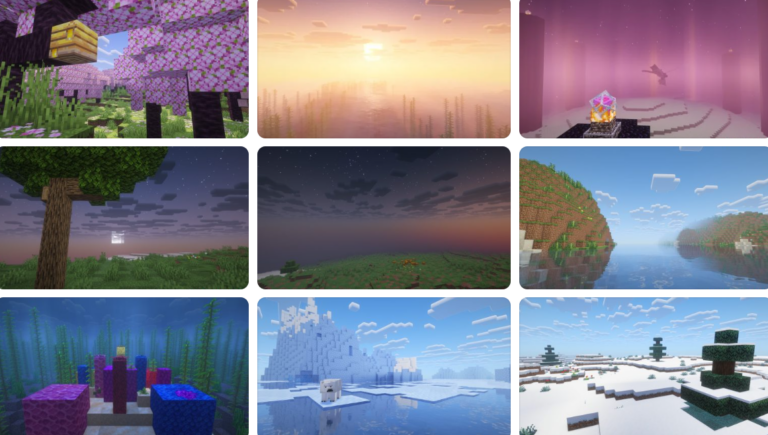
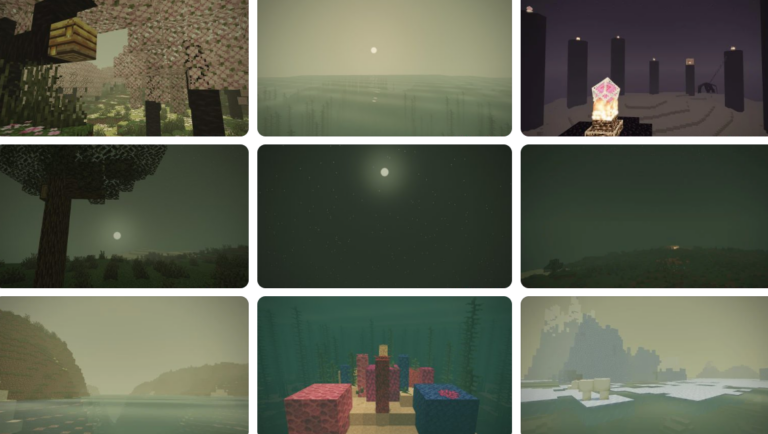
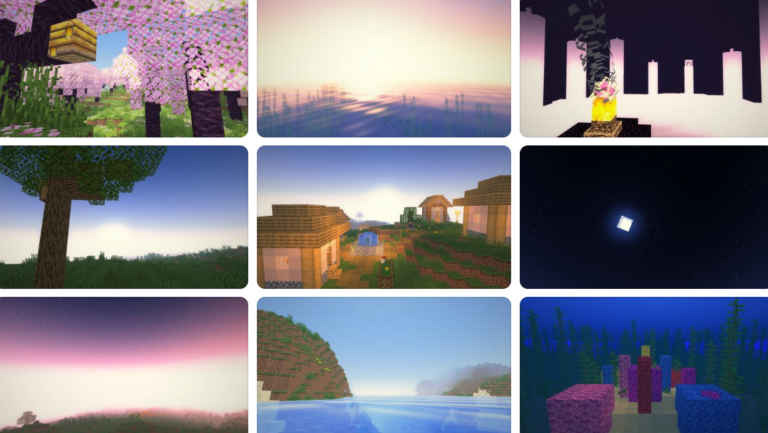
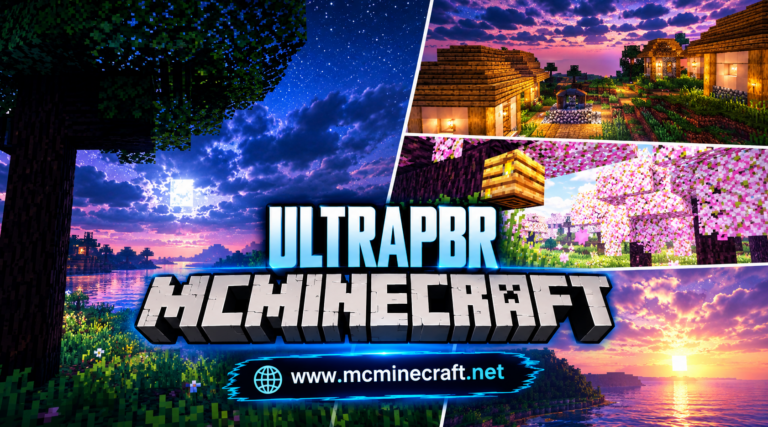
Looking to overhaul your Minecraft graphics with lush atmospheric colors, realistic skyboxes, and dynamic volumetric lighting? Eden Shaders for Minecraft 1.20.1 (v26.3) is a modern graphics shader pack engineered to provide an immersive, cinematic visual transformation without heavily impacting your system’s frame rates.
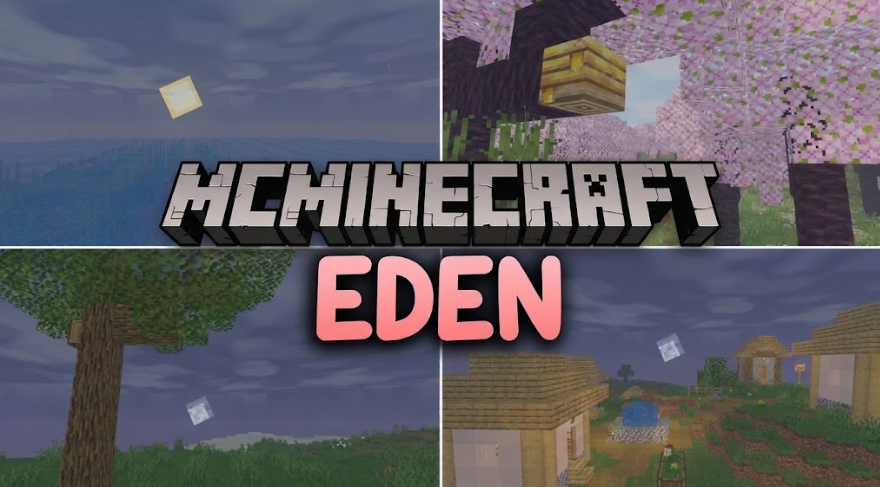
Whether you are building extensive survival bases in dense forests, capturing picturesque architectural screenshots, or exploring dark caves, Eden Shaders (26.3, 1.20.1) delivers cozy ambient lighting, clear dynamic water reflections, soft shadow maps, and enhanced color profiles tailored for modern Minecraft gameplay.
Key Features of Eden Shaders (v26.3, 1.20.1)
1. Cinematic Atmosphere & Dynamic Sky Systems
-
Lush Biome Color Palettes: Dynamic color grading enhances natural foliage, grass blocks, and terrain to create a vibrant, atmospheric world.
-
Realistic Sunbeams & God Rays: Dynamic volumetric sunlight filters smoothly through tree canopies, cave entrances, and building structures.
2. Modern Water Engine & Weather Realism
-
Translucent Water Reflections: Crystal-clear water surfaces feature subtle wave animations, dynamic sky reflections, and underwater caustic lighting effects.
-
Immersive Weather Effects: Dynamic rain particles, wet block surfaces, and realistic atmospheric fog adjust seamlessly based on weather states and day-night cycles.
3. Server Optimization & Modpack Compatibility
-
High-FPS Performance Pipeline: Optimized render logic ensures smooth 60+ FPS performance across mid-range graphics cards, gaming laptops, and budget setups.
-
Iris & Oculus Integration: Full native support for Iris Shaders (Fabric) and Oculus (Forge/NeoForge) on Minecraft 1.20.1.
How to Install Eden Shaders (v26.3, 1.20.1)
-
Install Shader Loader: Ensure you have Iris Shaders (Fabric) or Oculus (Forge/NeoForge) installed for Minecraft 1.20.1.
-
Download Shader Pack: Grab the official
Eden_Shaders_v26.3_1.20.1.zippackage. -
Move to Shaderpacks Directory: Place the downloaded
.zipfile into your.minecraft/shaderpacksdirectory. -
Activate & Enjoy: Launch Minecraft, navigate to Options > Video Settings > Shader Packs, select Eden Shaders, and enjoy your updated visuals!
Why Download Eden Shaders for Minecraft?
If you want a beautifully balanced aesthetic with atmospheric lighting, vibrant natural colors, and high-performance FPS optimization, Eden Shaders (v26.3, 1.20.1) is an outstanding addition to your shader collection.