Friendly Shaders (v26.3, 1.20.1): Low-End PC Optimization, Warm Lighting & FPS Boost Guide
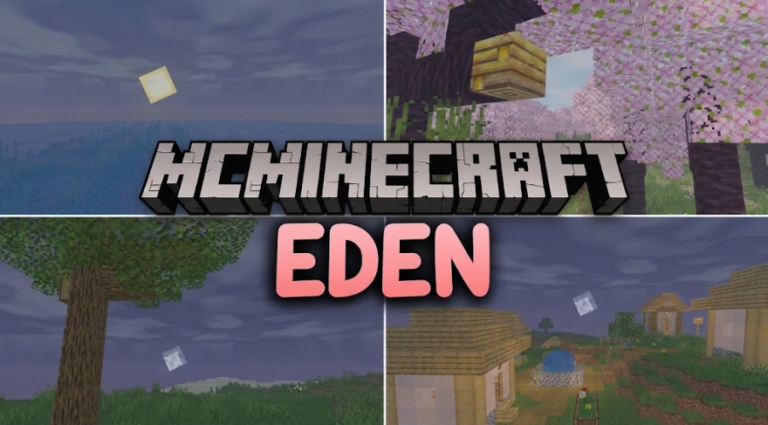
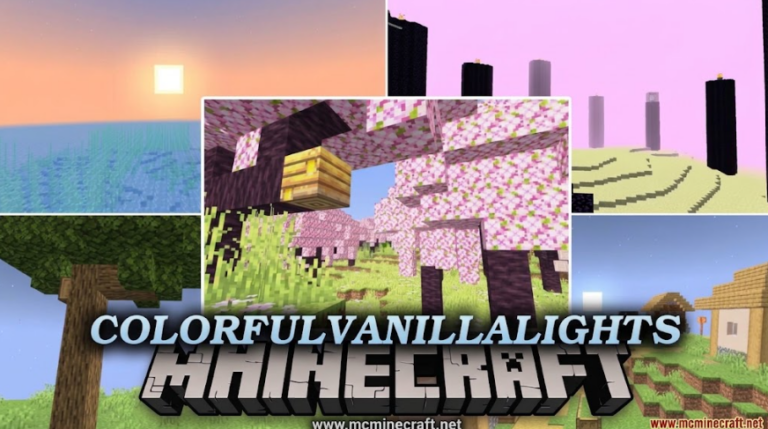
Looking to elevate your Minecraft visuals without sacrificing performance or destroying your frame rates? Friendly Shaders for Minecraft 1.20.1 (v26.3) is a lightweight, performance-friendly shader pack specially designed for low-end PCs, integrated graphics, laptops, and smooth multiplayer gameplay.
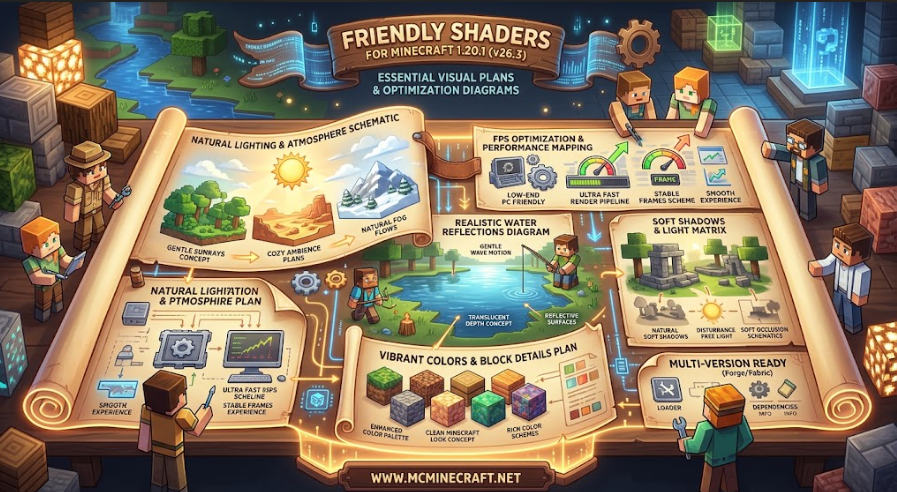
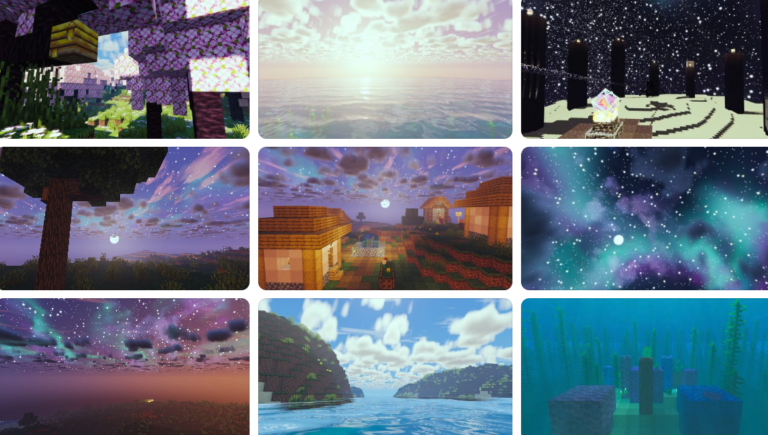
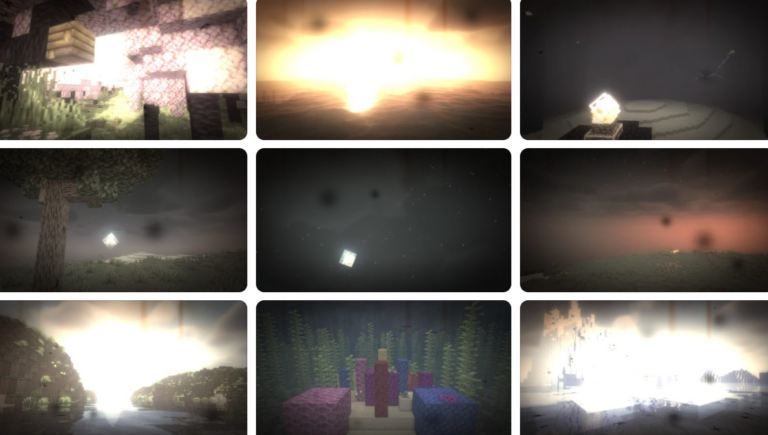
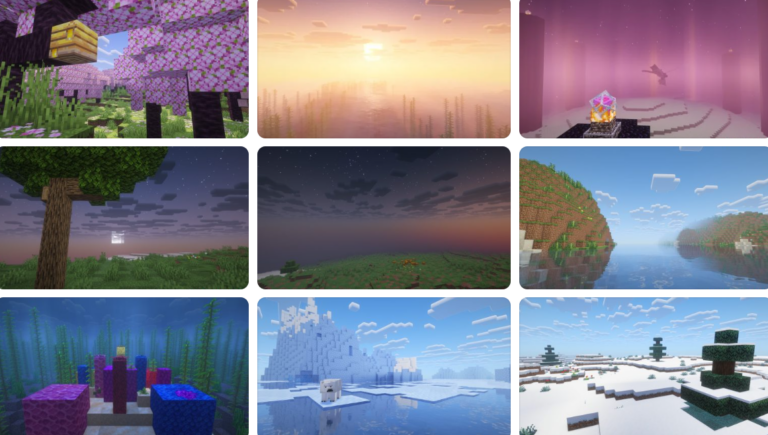
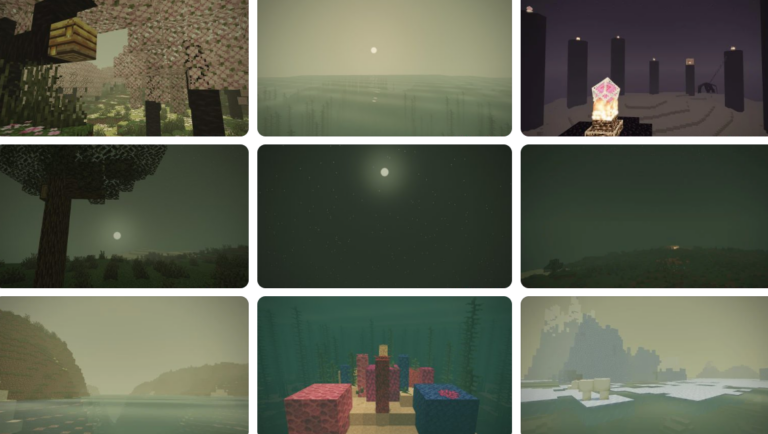
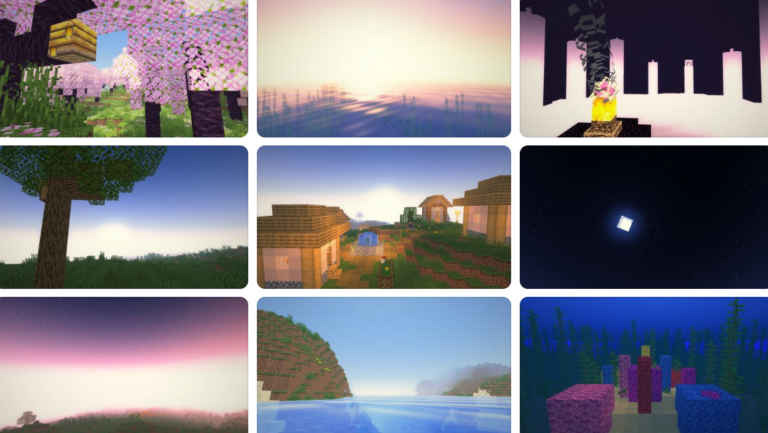
Whether you are building massive survival bases, exploring dense biomes, or playing on populated SMP servers, Friendly Shaders (26.3, 1.20.1) delivers cozy warm lighting, soft shadows, vibrant water reflections, and natural atmospheric fog—all while maintaining high, stable FPS.
Key Features of Friendly Shaders (v26.3, 1.20.1)
1. Extreme FPS Optimization & Low-End PC Support
-
Lightweight Rendering Engine: Specifically optimized for Intel HD Graphics, AMD APUs, and budget GPUs to deliver maximum performance (60+ FPS).
-
Zero Input Lag: Smooth frame delivery prevents stuttering, screen tearing, and memory spikes during intense combat or fast movement.
2. Warm Atmosphere & Enhanced Visual Fidelity
-
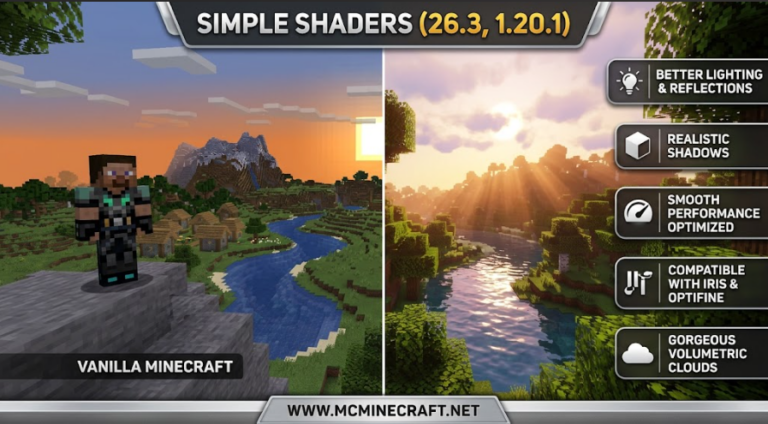
Cozy Warm Lighting: Soft ambient torchlight, realistic sunlight shafts (god rays), and warm moonlight bring immersive warmth to your builds.
-
Realistic Water & Wave Animations: Clean, translucent water shaders featuring subtle wave motions and dynamic reflections without performance drops.
-
Custom Sky & Soft Shadows: Enhances vanilla clouds, adds smooth shadows, and refines color saturation for a crisp, vibrant look.
3. Broad Compatibility & Modpack Synergy
-
Iris Shaders & Oculus Integration: Native support for Iris Shaders (Fabric) and Oculus (Forge/NeoForge) on Minecraft 1.20.1.
-
Seamless Mod Compatibility: Works effortlessly alongside Sodium, Rubidium, Farmer’s Delight, and popular biomes mods like Terralith or Oh The Biomes You’ll Go.
How to Install Friendly Shaders (v26.3, 1.20.1)
-
Install Shader Loader: Ensure you have Iris Shaders (Fabric) or Oculus (Forge/NeoForge) installed for Minecraft 1.20.1.
-
Download Shader Pack: Grab the official
Friendly_Shaders_v26.3_1.20.1.zipfile. -
Move to Shaderpacks Folder: Place the downloaded
.zipfile into your.minecraft/shaderpacksdirectory. -
Activate & Play: Open Minecraft, go to Options > Video Settings > Shader Packs, select Friendly Shaders, and enjoy stunning visuals with top-tier FPS!
Why Download Friendly Shaders for Minecraft?
If you want the perfect balance between beautiful lighting and buttery-smooth FPS performance, Friendly Shaders (26.3, 1.20.1) is the ultimate shader pack for everyday gameplay on any hardware setup.