Hyperreal Shaders (v26.3, 1.20.1): Photorealistic Lighting, Ray Tracing & FPS Optimization Guide
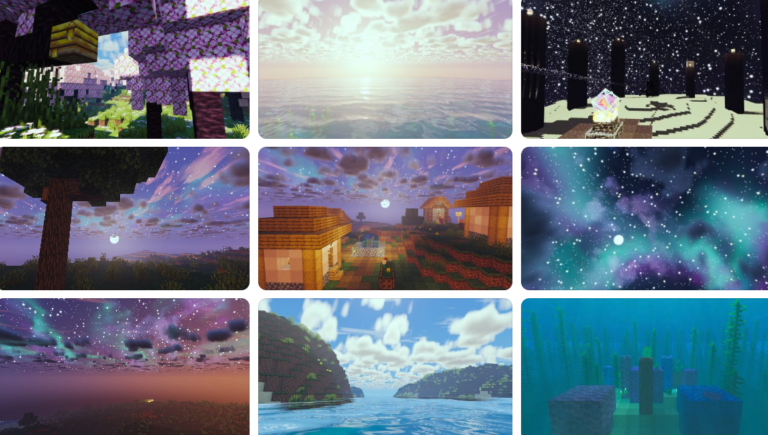
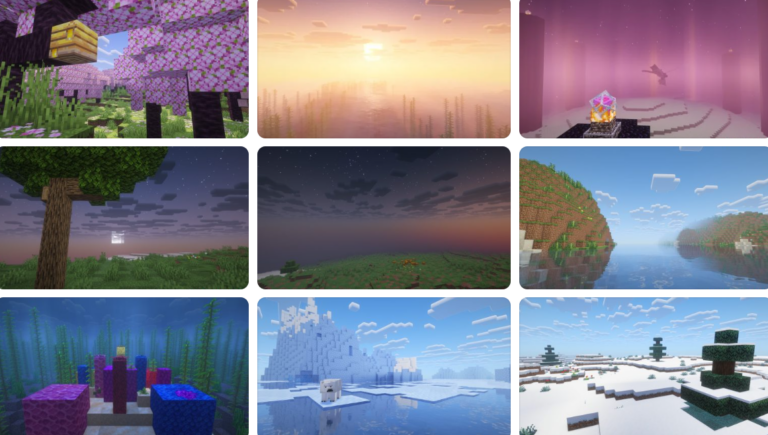
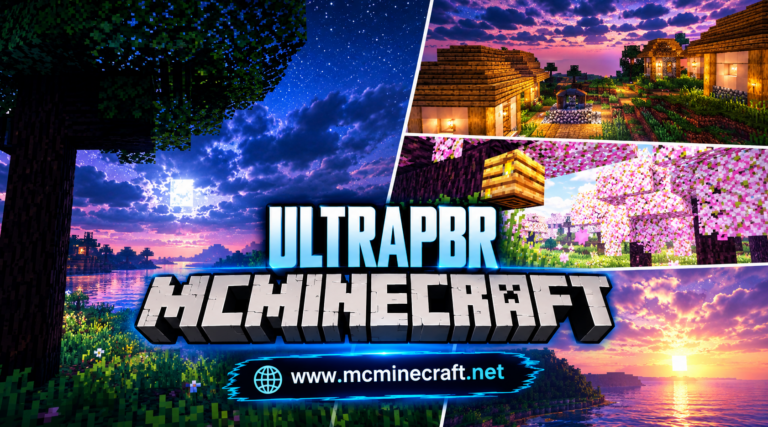
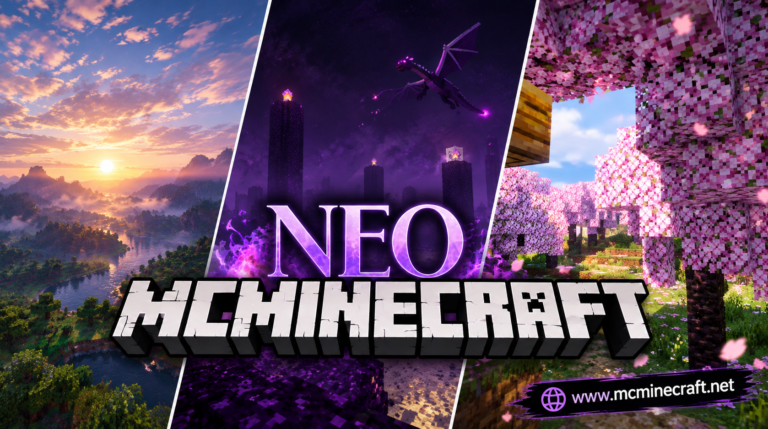
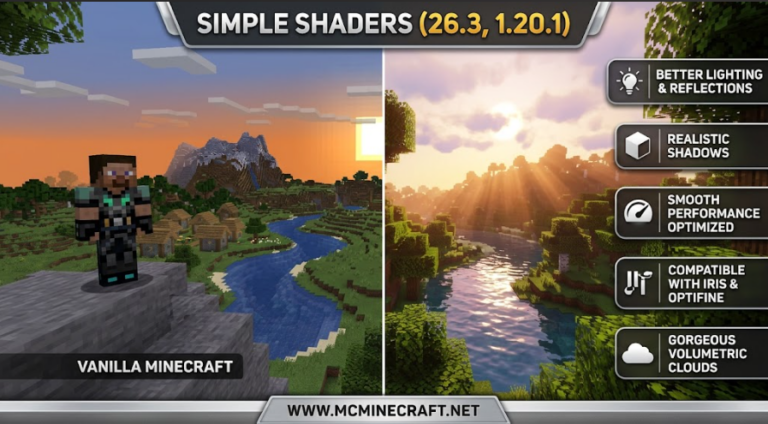
Looking to convert your blocky Minecraft world into a cinematic masterpiece with ultra-realistic lighting, crisp water reflections, and ray-traced ambient occlusion? Hyperreal Shaders for Minecraft 1.20.1 (v26.3) is a next-generation photorealistic shader pack built to deliver high-end visual fidelity, dynamic weather, and lifelike textures without destroying your system’s performance.
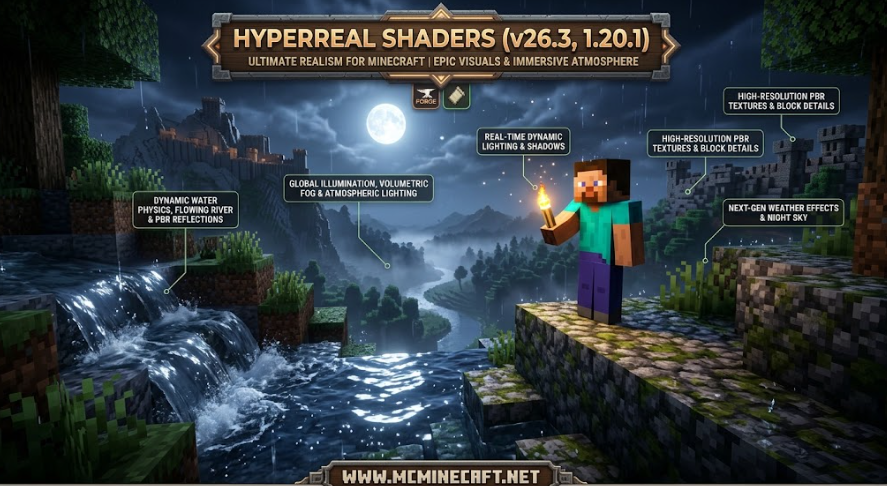
Whether you are capturing stunning architectural builds, filming cinematic gameplay footage, or exploring immersive survival worlds, Hyperreal Shaders (26.3, 1.20.1) brings realistic atmospheric fog, volumetric sunbeams, dynamic depth-of-field, and enhanced color palettes straight to your screen.
Key Features of Hyperreal Shaders (v26.3, 1.20.1)
1. Photorealistic Lighting & Ray Tracing Effects
-
Volumetric Light Shafts: Experience breathtaking God rays, dynamic sunlight casting through leaves, and realistic moonlight diffusion.
-
Path-Traced Ambient Occlusion (SSAO): Adds depth and soft contact shadows around blocks, structures, and player models for a true 3D visual feel.
2. Next-Gen Water Engine & Dynamic Weather
-
Physically-Based Water Reflections: Crystal-clear water surfaces with dynamic wave physics, depth absorption, and realistic underwater refraction.
-
Realistic Rain & Wet Surfaces: Wet block surfaces dynamically glisten during thunderstorms, featuring accurate puddle reflections and atmospheric fog.
3. Smart Performance Optimization & Compatibility
-
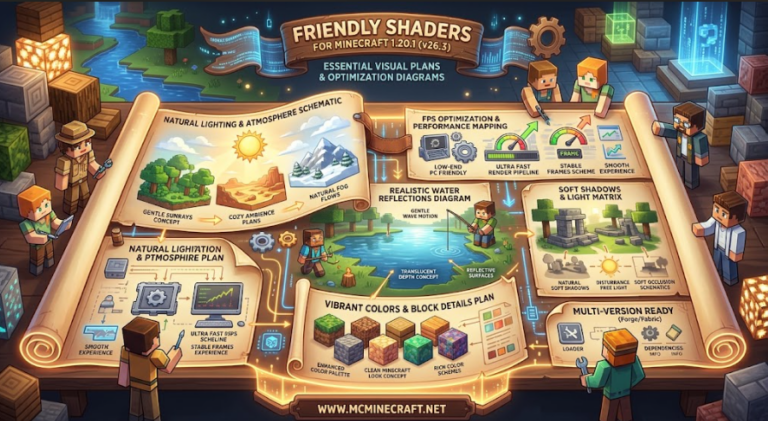
Optimized Rendering Pipeline: Engineered to balance ultra-realistic visuals with high frame rates (60+ FPS) on modern mid-to-high-end graphics cards.
-
Iris & Oculus Support: Fully compatible with Iris Shaders (Fabric) and Oculus (Forge/NeoForge) on Minecraft 1.20.1, alongside PBR resource packs (LabPBR/SeusPBR).
How to Install Hyperreal Shaders (v26.3, 1.20.1)
-
Install Shader Engine: Ensure you have Iris Shaders (Fabric) or Oculus (Forge/NeoForge) installed for Minecraft 1.20.1.
-
Download Shader Pack: Grab the official
Hyperreal_Shaders_v26.3_1.20.1.zippackage. -
Move to Shaderpacks Directory: Place the downloaded
.zipfile into your.minecraft/shaderpacksfolder. -
Enable & Customize: Open Minecraft, navigate to Options > Video Settings > Shader Packs, select Hyperreal Shaders, and customize your visual preset!
Why Download Hyperreal Shaders for Minecraft?
If you want to experience Minecraft with true-to-life lighting, photorealistic textures, and cinematic depth while maintaining stable FPS on version 1.20.1, Hyperreal Shaders (v26.3) is a premier choice for your graphics setup.