UltraPBR Shaders (v26.3, 1.20.1): Dynamic PBR Textures, Cinematic Lighting & Performance Guide
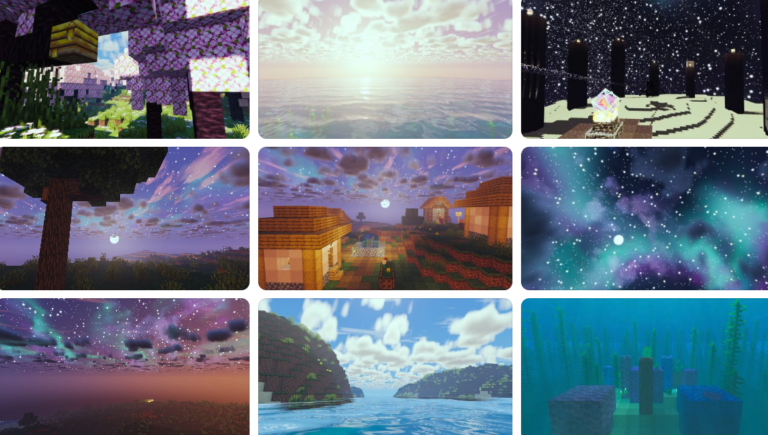
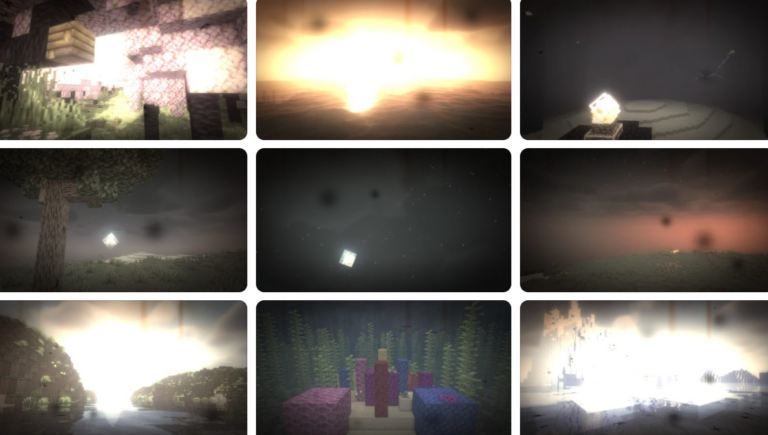
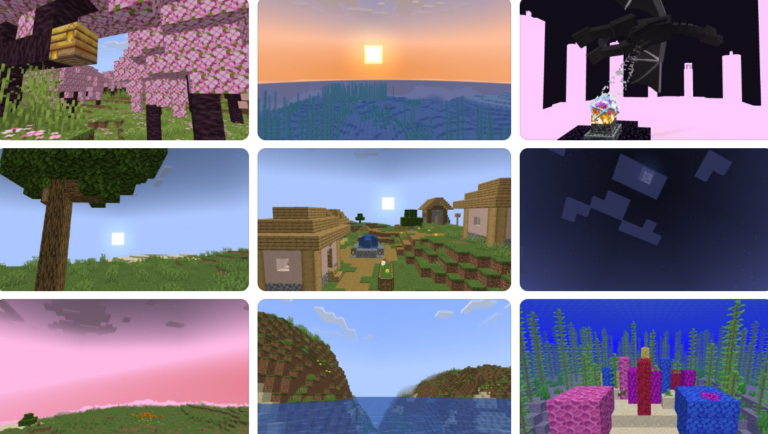
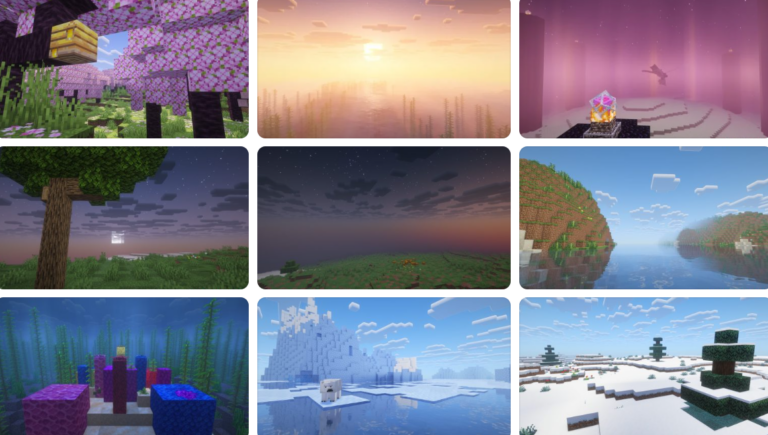
Looking to bring realistic material textures, depth-mapped surfaces, and cinematic ray-traced lighting to Minecraft? UltraPBR Shaders for Minecraft 1.20.1 (v26.3) is a high-end shader pack built around Physically-Based Rendering (PBR) technology, enabling bump mapping, normal maps, and realistic specular reflections on every block.
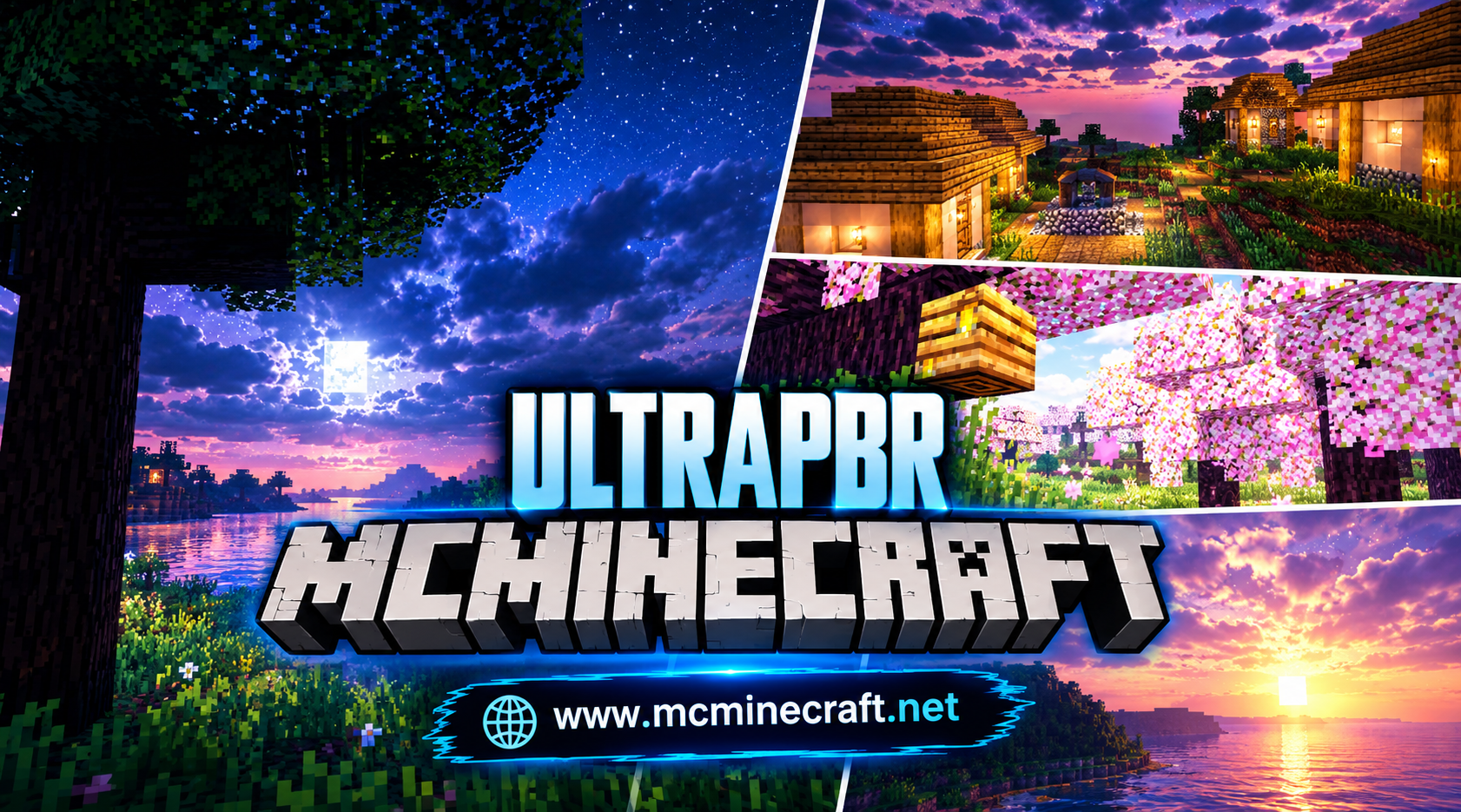
Whether you are crafting luxury builds with reflective marble, exploring rainy forests with glistening cobblestone, or capturing ultra-realistic footage, UltraPBR Shaders (26.3, 1.20.1) turns your blocky world into an immersive 3D environment with realistic lighting, volumetric fog, and crisp water effects.
Key Features of UltraPBR Shaders (v26.3, 1.20.1)
1. Advanced Physically-Based Rendering (PBR)
-
Sub-Surface & Specular Mapping: Blocks react dynamically to light sources, casting realistic metallic sheens, glossy stone reflections, and rough wood textures.
-
3D Height & Parallax Occlusion (POM): Adds deep 3D surface detail and relief maps to blocks without altering your game’s block geometry.
2. Cinematic Lighting & Environmental Weather
-
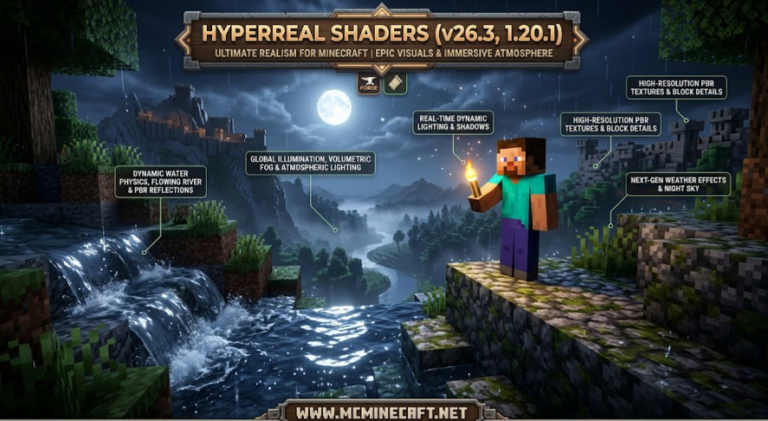
Volumetric Sunbeams & Atmospheric Rays: Experience realistic daylight diffusion through canopy trees, soft moonlight shafts, and dynamic weather fog.
-
Real-Time Puddle & Rain Reflections: Surfaces get wet during storms, creating dynamic rain puddles that reflect the sky and ambient torches in real time.
3. Server-Friendly FPS Optimization & Modpack Synergy
-
Optimized Rendering Engine: Delivers buttery-smooth 60+ FPS performance on mid-to-high GPUs by optimizing reflection calculations and bloom passes.
-
Iris & Oculus Compatibility: Fully compatible with Iris Shaders (Fabric) and Oculus (Forge/NeoForge) on Minecraft 1.20.1, as well as LabPBR and SeusPBR resource packs.
How to Install UltraPBR Shaders (v26.3, 1.20.1)
-
Install Shader Engine: Make sure you have Iris Shaders (Fabric) or Oculus (Forge/NeoForge) installed for Minecraft 1.20.1.
-
Download Shader File: Grab the official
UltraPBR_Shaders_v26.3_1.20.1.zippackage. -
Move to Shaderpacks Folder: Place the downloaded
.zipfile into your.minecraft/shaderpacksdirectory. -
Activate & Customize: Launch Minecraft, navigate to Options > Video Settings > Shader Packs, select UltraPBR Shaders, and configure your PBR texture settings!
Why Download UltraPBR Shaders for Minecraft?
If you want to experience true material realism, realistic depth, and next-generation lighting effects on version 1.20.1, UltraPBR Shaders (v26.3) is a premier graphics upgrade for your game.